How to Evaluate a Print Management Solution: 10 Questions to Ask Before You Buy
Published: 09 Jan
Choosing a print management solution is about much more than printers. The right solution can reduce costs, improve security, and make printing easier for staff. The wrong choice can lead to hidden expenses, poor support, and long-term frustration.
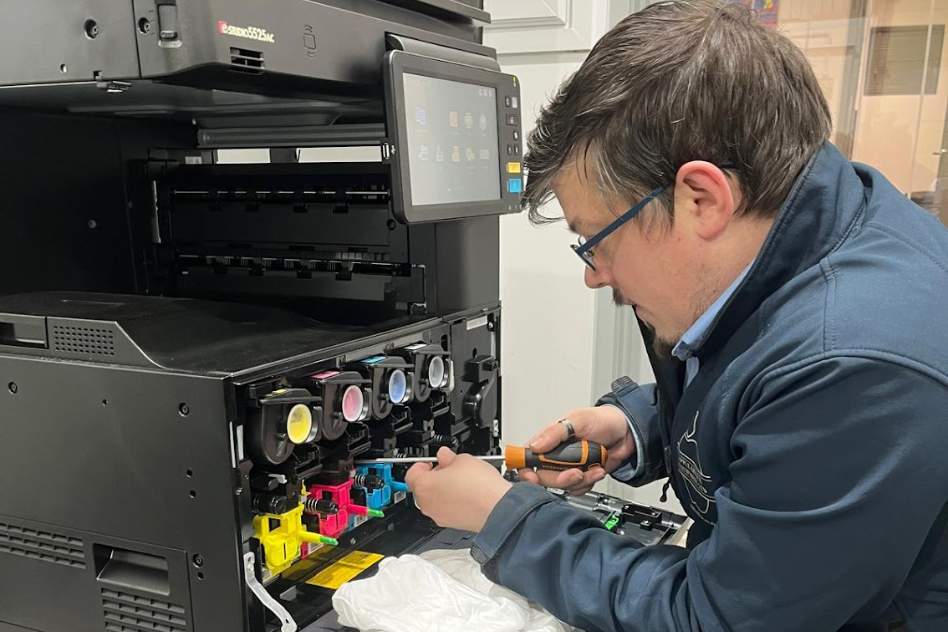
Many organisations compare printing management solutions based on price or hardware alone. This often results in disappointment, because the real value lies in the service, expertise, and ongoing support provided. This guide sets out 10 essential questions to help you evaluate both the solution and the provider, so you can make a confident decision.
Why Evaluating Print Management Solutions Is Different Than Buying Printers
Buying a printer is typically a one-off decision. You select a model, purchase or lease it, and replace it when it reaches the end of its life.
A print management solution is an ongoing service. It affects how printing is used, controlled, supported, and secured over several years. Choosing purely on cost can be risky, as lower prices often come with limited support, rigid contracts, or gaps in security and reporting.
Because print needs change over time, the provider’s experience, service quality, and long-term approach are just as important as the devices themselves.
What Is Outsourced Print Management?
Outsourced print management, commonly known as Managed Print Services (MPS), means a specialist provider takes responsibility for your entire print environment. This usually includes assessing your current setup, supplying and maintaining printers, managing toner and parts, monitoring usage, and providing ongoing support.
The aim is to reduce costs, improve reliability, strengthen security, and remove the day-to-day burden of printer management from internal teams.
10 Questions to Ask Before Choosing a Managed Print Solution
1. Does the Solution Start With a Full Print Assessment?
Managed print services solution should offer a full print assessment. This reviews how much you print, what you print, and where inefficiencies exist. Without this step, recommendations are based on assumptions rather than real data.
For buyers, an assessment ensures the solution is designed around actual needs, helping avoid unnecessary devices and missed savings.
2. How Does the Solution Reduce and Control Printing Costs?
Cost reduction should be clear and measurable. Savings may come from fewer devices, lower running costs, print rules, or improved user accountability.
Understanding how savings are achieved helps buyers judge whether they are realistic and sustainable.
3. What Level of Ongoing Support Is Included?
Printer problems can quickly disrupt productivity. Buyers should understand the print management solution providers’ response times, service coverage, and how faults are handled.
Reliable support reduces downtime and prevents printer issues from becoming an internal burden.
4. Is the Solution Scalable as We Grow?
As organisations change, print requirements change too. Good print management solutions
adapt as you add users, locations, or new ways of working.
Scalability protects your investment and avoids the need to replace systems prematurely.
5. How Does the Solution Address Print Security and Compliance?
Printers handle sensitive information but are often overlooked in security planning. Buyers should understand how access is controlled and how documents are protected.
Strong print security reduces the risk of data breaches and supports compliance with data protection regulations.
6. What Reporting and Analytics Are Included?
Reporting shows who is printing, how much is being printed, and where costs are generated.
This visibility allows buyers to control usage, identify waste, and make informed decisions over time.
7. Are Hardware and Software Vendor-Neutral?
Vendor-neutral solutions are not tied to one manufacturer. This allows print management solution providers to recommend the most suitable equipment rather than pushing a specific brand.
For buyers, this means greater flexibility and protection against vendor lock-in.
8. How Are Supplies and Maintenance Managed?
Automatic toner delivery and proactive maintenance reduce manual administration and unexpected downtime.
This leads to more reliable printing and predictable costs.
9. What Does Implementation and Onboarding Look Like?
Implementation affects how quickly value is delivered. Buyers should understand timelines, training, and responsibilities.
A clear onboarding process helps staff adapt quickly and minimises disruption.
10. What Sets This Print Management Provider Apart?
Beyond pricing and features, buyers should consider experience, service quality, and customer support they will receive from the print management solutions.
Choosing the right provider means choosing a long-term partner, not just a supplier.
Common Mistakes to Avoid When Comparing Print Management Solutions
- Choosing based on price alone, which often leads to poor service or hidden costs
- Ignoring contract flexibility, making it hard to adapt as needs change
- Overlooking security and reporting, which are usually noticed only after problems arise
How to Shortlist the Right Managed Print Services Solution
Use a simple checklist when comparing managed print services solutions:
- Has a full print assessment been carried out?
- Are costs transparent and easy to control?
- Is ongoing support reliable and responsive?
- Can the solution scale with the business?
- Are security and reporting included as standard?
Align the solution with your business goals and involve key stakeholders early to ensure buy-in.
FAQs
Q: What is a print management solution?
A: A service that manages printers, printing costs, supplies, support, and security.
Q: How do managed print services differ from printer leasing?
A: Leasing covers the device. Managed print services cover the entire print environment.
Q: How do printing management solutions reduce costs?
A: By improving control, reducing waste, and optimising devices and usage.
Q: Are managed print services solutions suitable for small and mid-sized businesses?
A: Yes. Many solutions are designed specifically for SMEs.
Q: How long does it take to implement a managed print solution?
A: Most solutions are implemented within a few weeks, depending on size and complexity.
Discover our Print Management Solutions
At Apple Office Equipment, we offer comprehensive printing management solutions for businesses across all sectors.
Request a print audit to discover how managed print services solutions could reduce costs, improve security, and simplify printing across your organisation.
Contact us on 023 8033 0611 or email us at [email protected] to speak to our experts and learn more about the services you get with our managed print solutions.
